Axeptio
Click2Buy is available in the Axeptio cookie library: you only need to add it to your project.
Add Click2Buy
Click Add a new cookie.
Depending on how your cookies are organized, you can add Click2Buy to the Marketing category (optional).
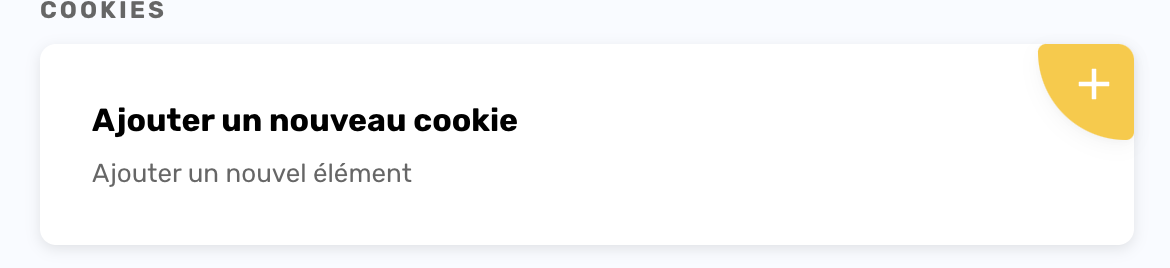
"Add a new cookie" (Ajouter un nouveau cookie) Select the Axeptio Cookies tab and search for Click2Buy.
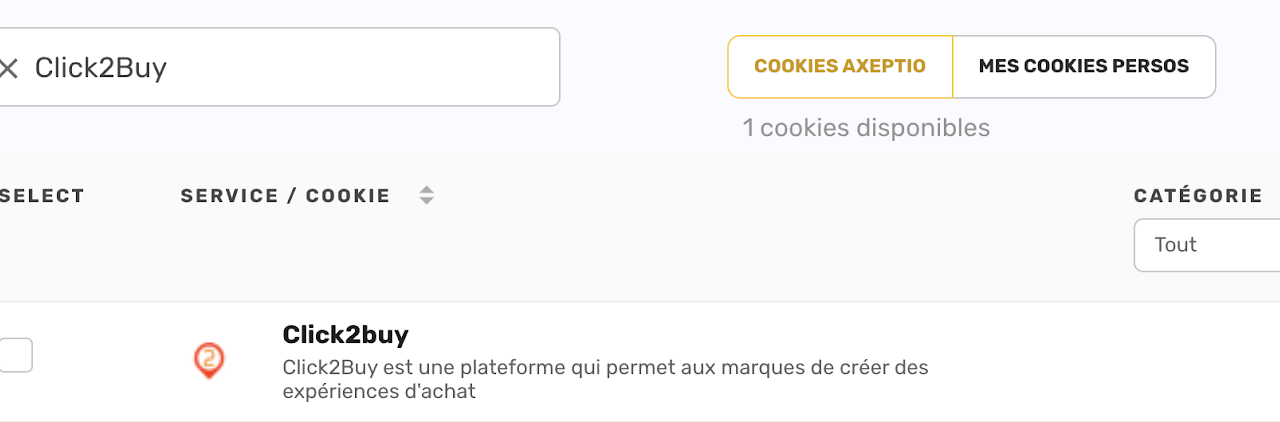
Click2Buy in the Axeptio Cookies tab Select the Click2Buy checkbox, then click Duplicate.

Select Click2Buy, then "Duplicate" (Dupliquer) Go to the Personal Cookies tab: Click2Buy is now listed. Click Edit.
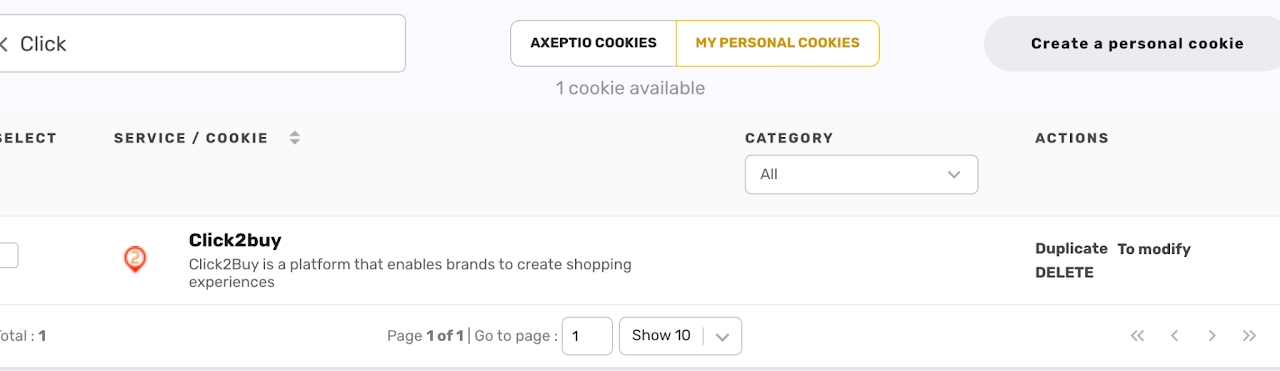
Click2Buy in the Personal Cookies tab All tabs are already filled in. You can adapt the texts if needed.
DANGER
Don't change the cookie name: our script only works with this name.
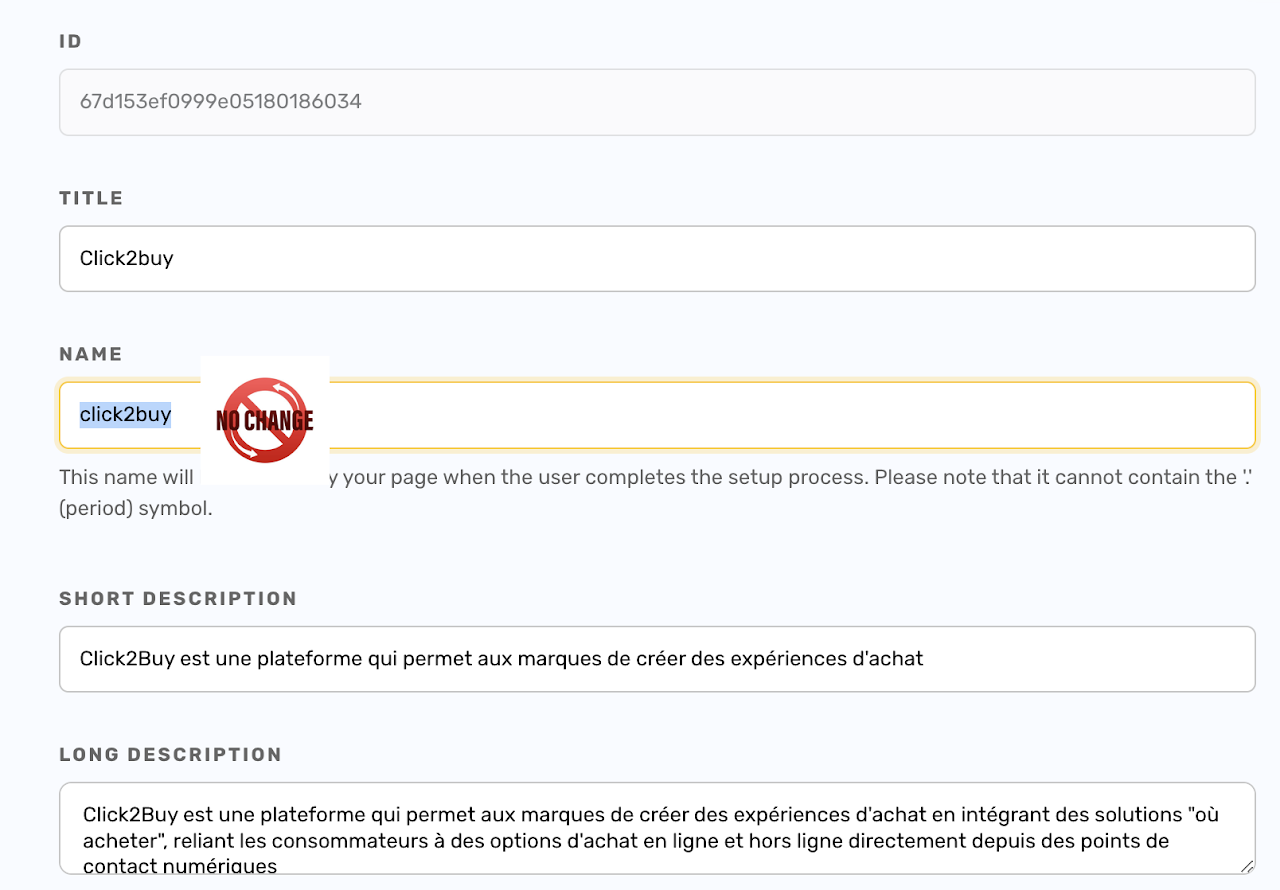
Keep the name click2buyunchangedClick Save & Close, then Publish.
Then contact your Customer Success Manager to enable the consent feature on your widgets.
Check your configuration
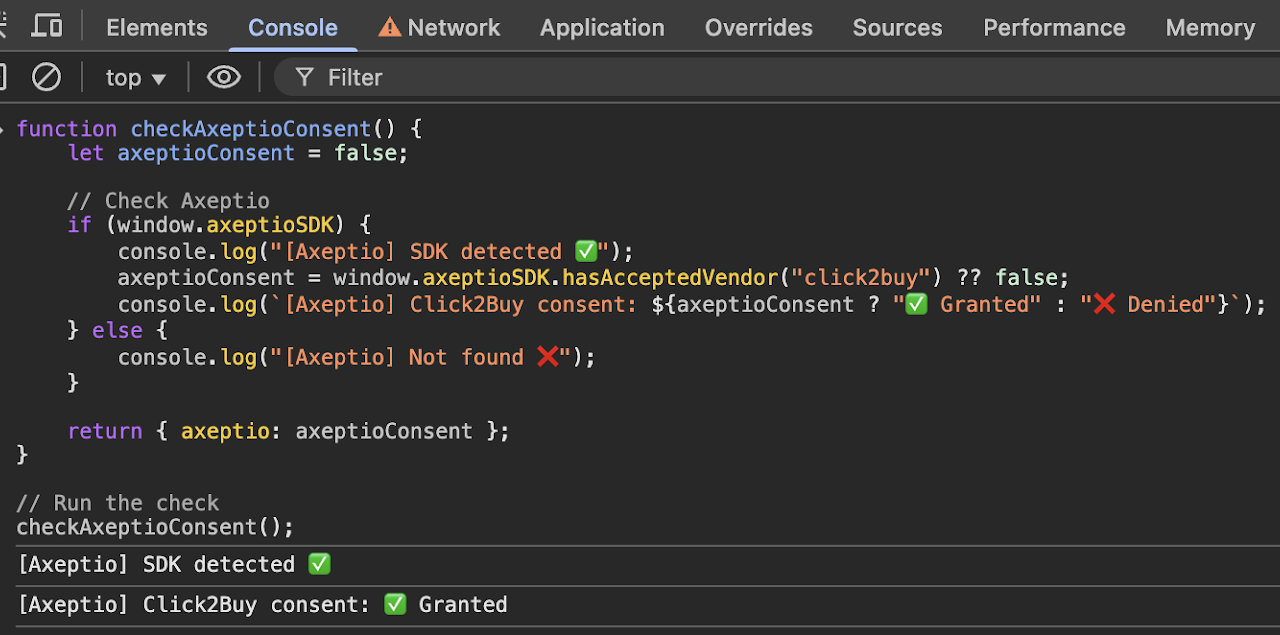
Once your changes are published, run this code in the browser console on your website to check that the Click2Buy vendor is set up correctly:
js
function checkAxeptioConsent() {
  let axeptioConsent = false;
  // Check Axeptio
  if (window.axeptioSDK) {
    console.log("[Axeptio] SDK detected ✅");
    axeptioConsent = window.axeptioSDK.hasAcceptedVendor("click2buy") ?? false;
    console.log(`[Axeptio] Click2Buy consent: ${axeptioConsent ? "✅ Granted" : "❌ Denied"}`);
  } else {
    console.log("[Axeptio] Not found ❌");
  }
  return { axeptio: axeptioConsent };
}

// Run the check
checkAxeptioConsent();